
Validate and submit taxes electronically
Submit EÜR and VAT advance returns directly via ELSTER
Motorica calculates the return data from your maintained business transactions, checks it with ERIC and submits it via ELSTER after your approval.
No payment details · No automatic renewal
Motorica brings together invoices, receipts and payments for the income surplus statement (EÜR) and VAT advance return. Before submission, the data is checked with ERIC. The return is transmitted via ELSTER only after successful validation and your explicit approval.
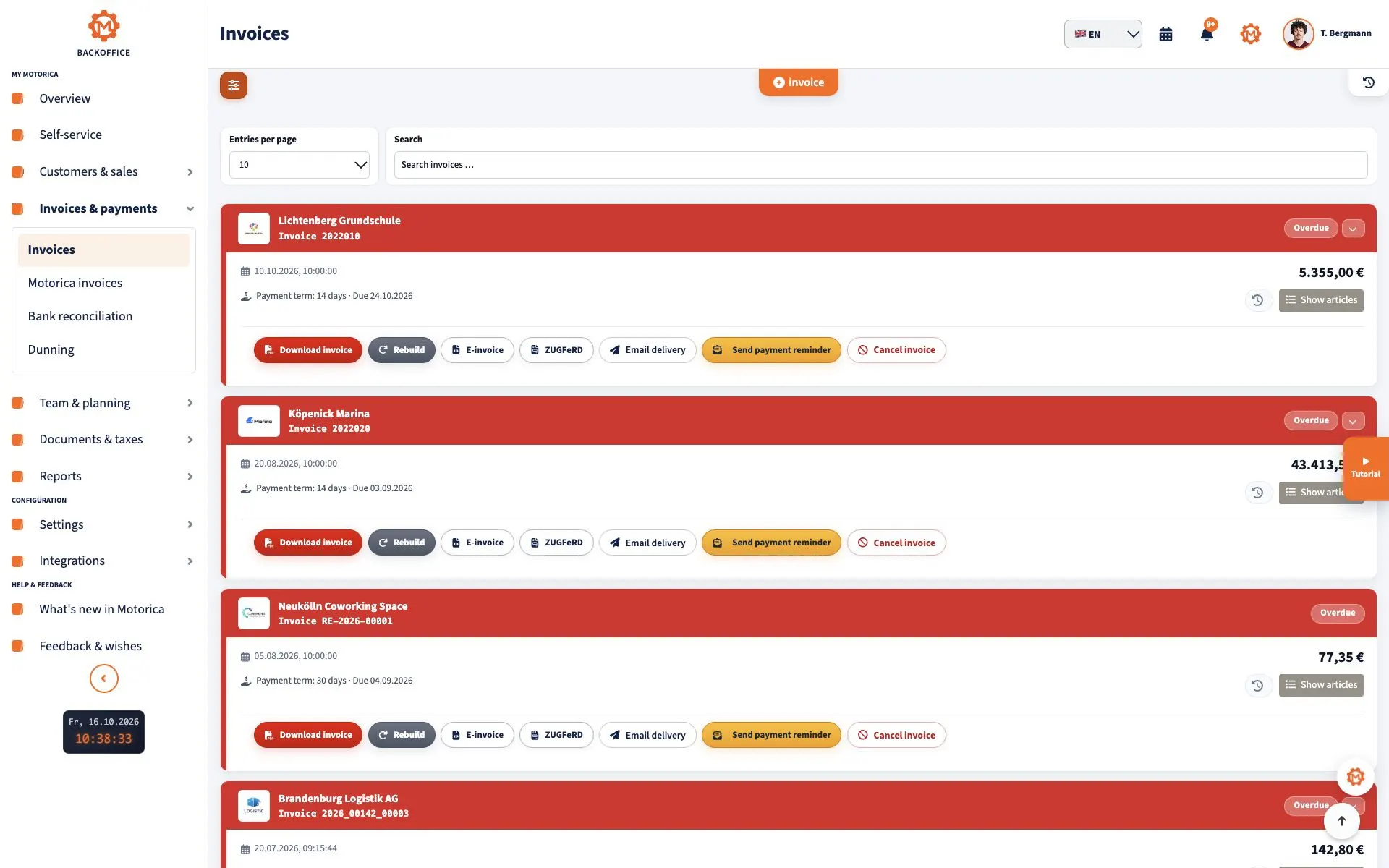
From invoices and receipts to verifiable return data
An EÜR or VAT advance return is only as reliable as the underlying business data. Motorica uses maintained invoices, cancellations, receipts, payments and tax details as the basis for calculation.
- Include outgoing invoices and cancellations
- Include incoming receipts and input VAT data
- Use payment data for the EÜR
- Combine tax rates and tax amounts
- Review incomplete or unresolved transactions before filing
ERIC checks the data before submission
Motorica passes the prepared data to ERIC, the official technical validation component of the ELSTER process. Formal errors must be corrected before submission can take place.
- Validate return data technically
- Display ERIC feedback clearly
- Assign errors to a field or underlying issue
- Allow corrections before submission
- Only make validated data available for approval
Submission only after your approval
Motorica never sends tax data unnoticed in the background. After successful validation, you can see the status and deliberately initiate submission.
- Display validation status before sending
- Initiate submission through a user action
- Technically prevent duplicate submissions
- Store the submission status transparently
- Retain feedback and the transmission log with the transaction
Check EÜR and VAT advance returns separately
The income surplus statement and VAT advance return serve different purposes. Their period, data basis, validation and submission status are therefore managed separately.
- Calculate the EÜR for the relevant assessment period
- Calculate the VAT advance return for the selected filing period
- Check payment and cash-receipt data for the EÜR
- Check VAT and input VAT for the VAT advance return
- Handle correction processes transparently
FAQ
Frequently asked questions about EÜR, VAT advance returns and ELSTER
Can Motorica submit the EÜR via ELSTER?
Yes. Motorica calculates the EÜR data, validates it with ERIC and can submit it via ELSTER after your approval.
Can Motorica submit the VAT advance return?
Yes. Motorica calculates the data for the VAT advance return, validates it with ERIC and submits it via ELSTER after your approval.
Is the data checked before it is sent?
Yes. The return data is technically validated with ERIC before submission. Errors must be corrected before the return can be sent.
Does Motorica send tax data automatically in the background?
No. Submission takes place only after an explicit user action.
Can I correct an incorrect return?
Motorica manages validation, submission and correction statuses separately. The correction required for tax purposes must be determined based on the specific circumstances.
Does Motorica replace my tax adviser?
No. Motorica supports calculation, technical validation and submission. The individual tax assessment remains your responsibility or that of your tax adviser.
Stop preparing EÜR and VAT advance returns across spreadsheets and portals
Bring invoices, receipts, payments, ERIC validation and ELSTER submission together in one transparent workflow.
No payment details · No automatic renewal