

Digital office software helps small businesses streamline their workflow: from customer inquiries through quotes and invoices to payment receipt and organized archiving. The number of features is less important than reliable data, clear responsibilities, and an export that can be further processed.
This guide is aimed at businesses in Germany. It distinguishes between legal obligations and useful software functions. Check special cases with your tax advisor; no software can replace professional review or proper documentation procedures.
First, review your own workflow
Note down on a real order who captures customer data, approves the quote, confirms the service, sends the invoice, assigns the payment receipt, and archives the document. These handovers are where double entries and errors occur. For a one-person business, a quick path through these steps is key; a team needs additional permissions and clear approvals.
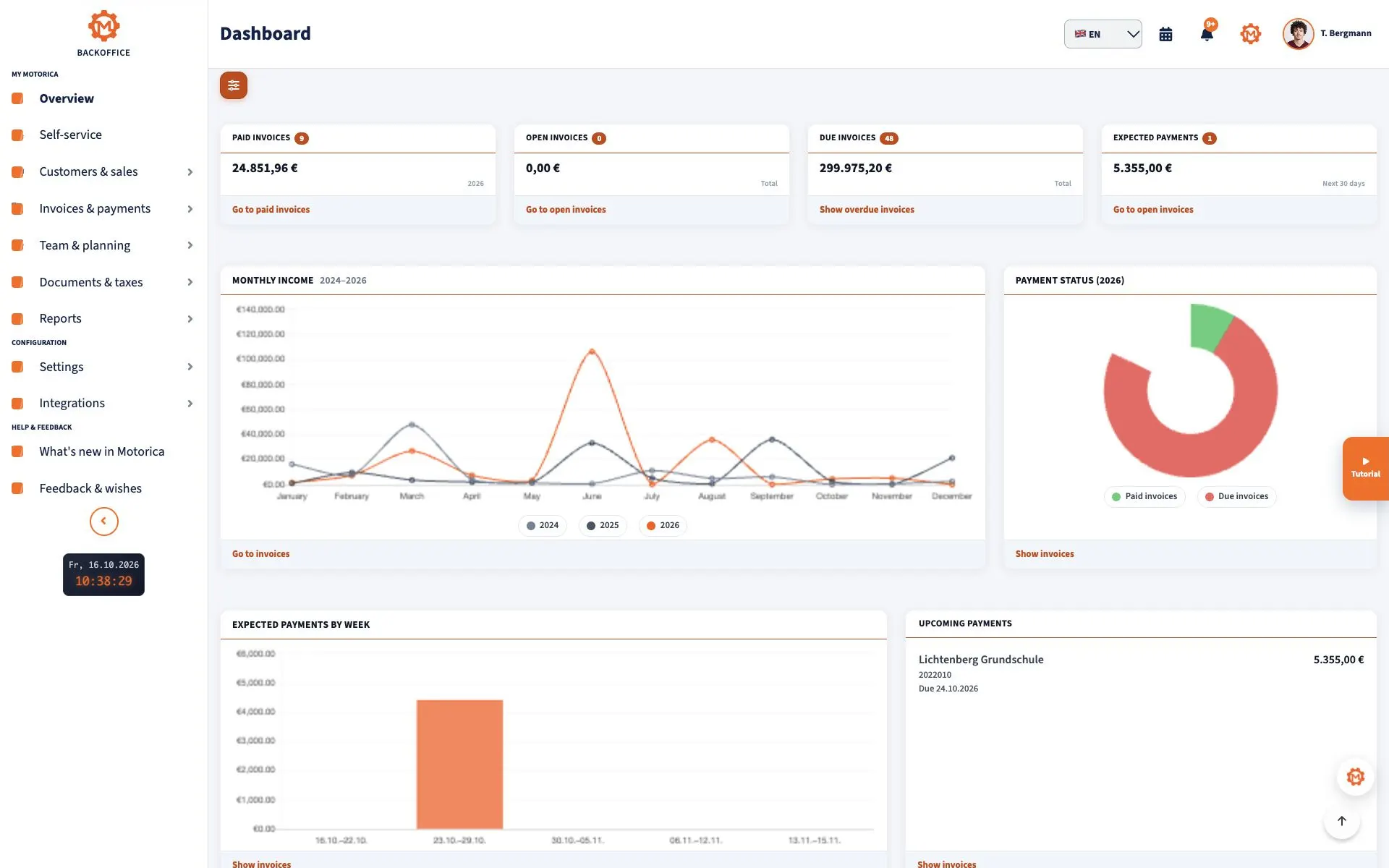
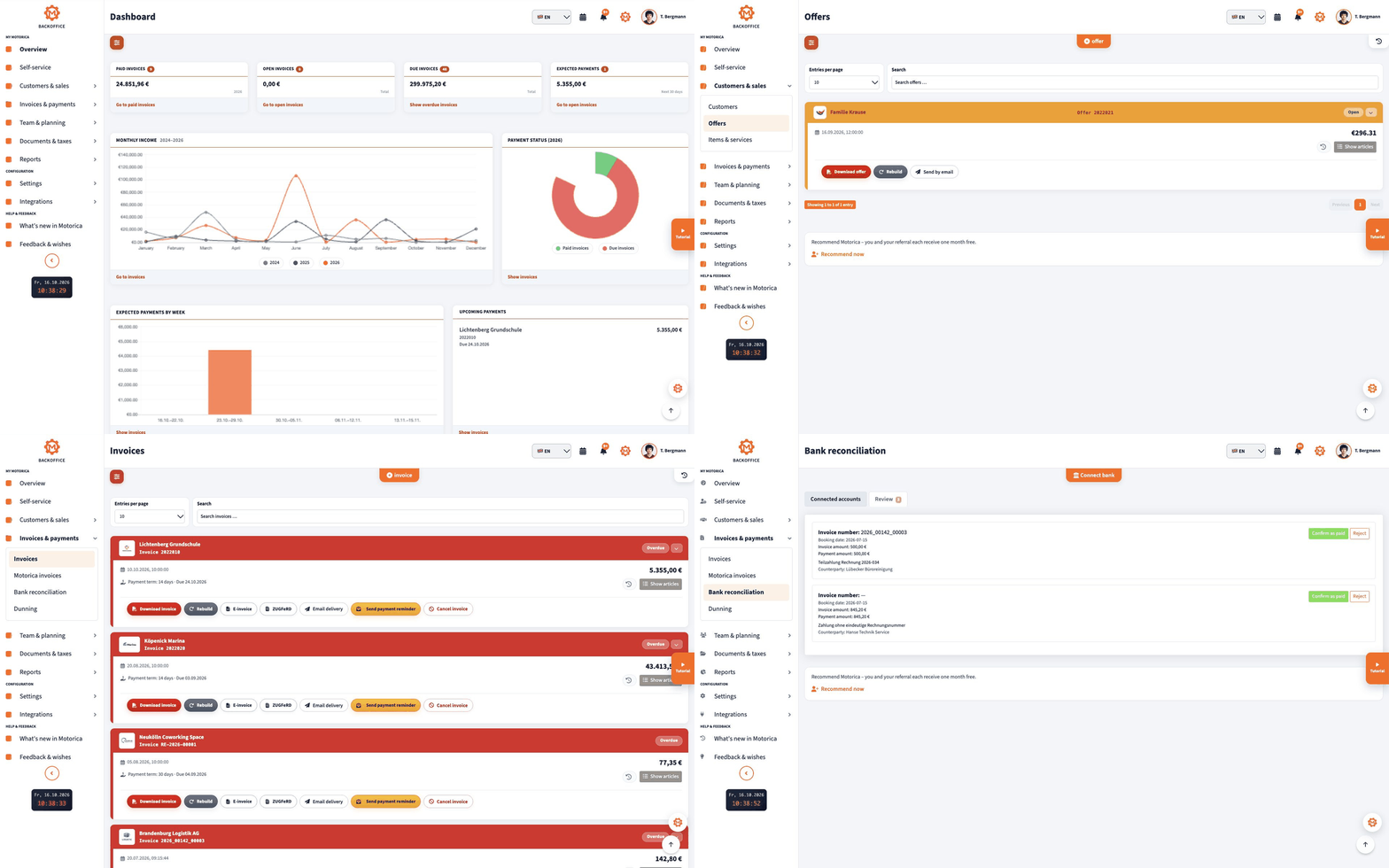
The dashboard should distinguish between paid, unpaid, and overdue invoices. A key figure is only as good as its underlying data: check if partial payments, cancellations, and the chosen time period are correctly reflected.
Quotes, Orders, and Invoices
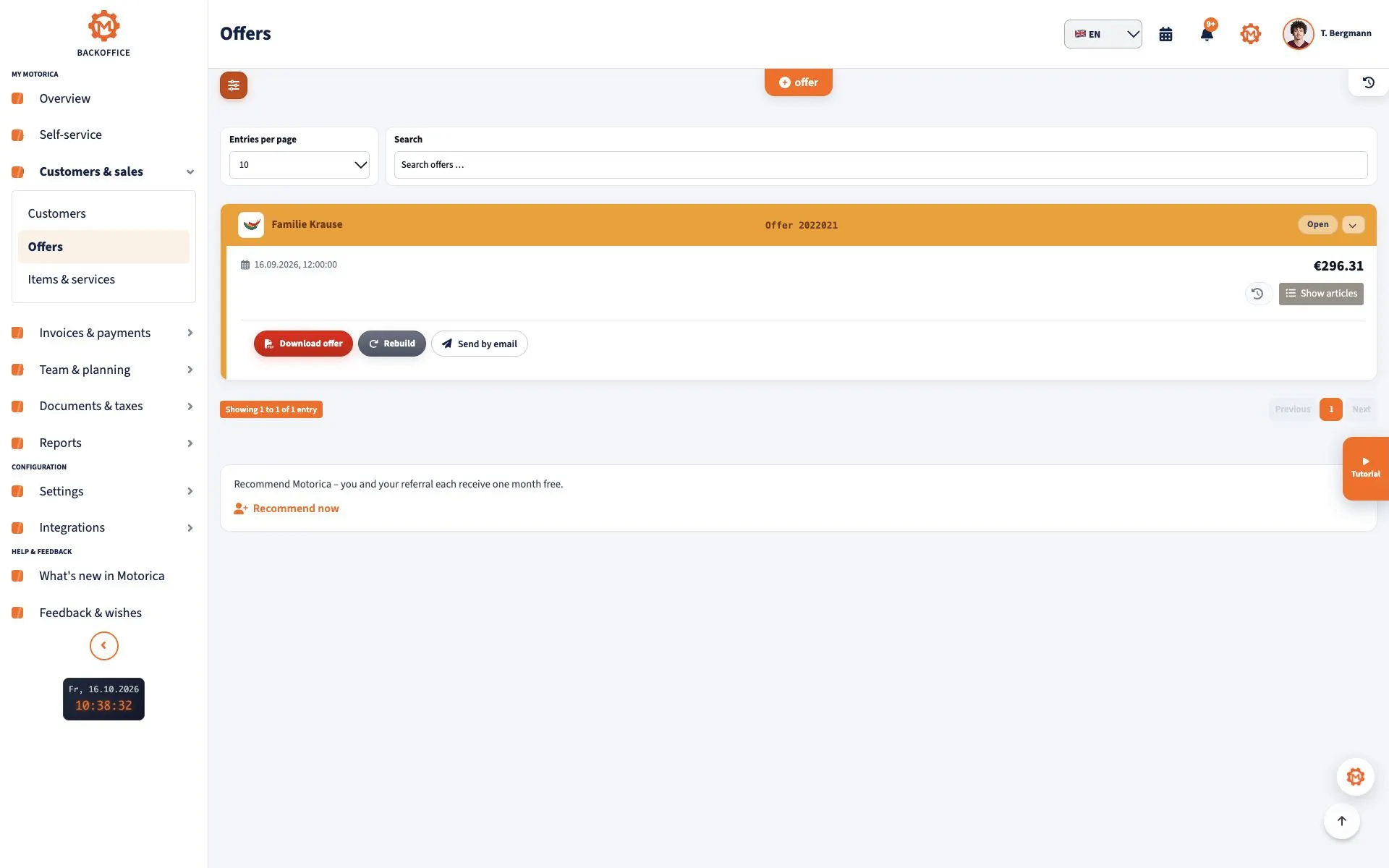
A useful solution transfers customer data, services, prices, and payment terms from an accepted quote into the invoice. Test mandatory fields according to § 14 UStG, traceable invoice numbers, different tax rates, and your actual special cases. Advance and final invoices, recurring services, the German VAT exemption scheme for small businesses (Kleinunternehmerregelung), and reverse charge require their own checks depending on the business.
Distinguish between an invoice correction or cancellation from a Gutschrift in the tax sense: the latter is issued by the service recipient in the agreed Gutschrift procedure. A software button alone does not clarify this difference. A confirmed order is not yet an invoice or payment.
E-Invoice: Receipt, Issuance, and Deadlines
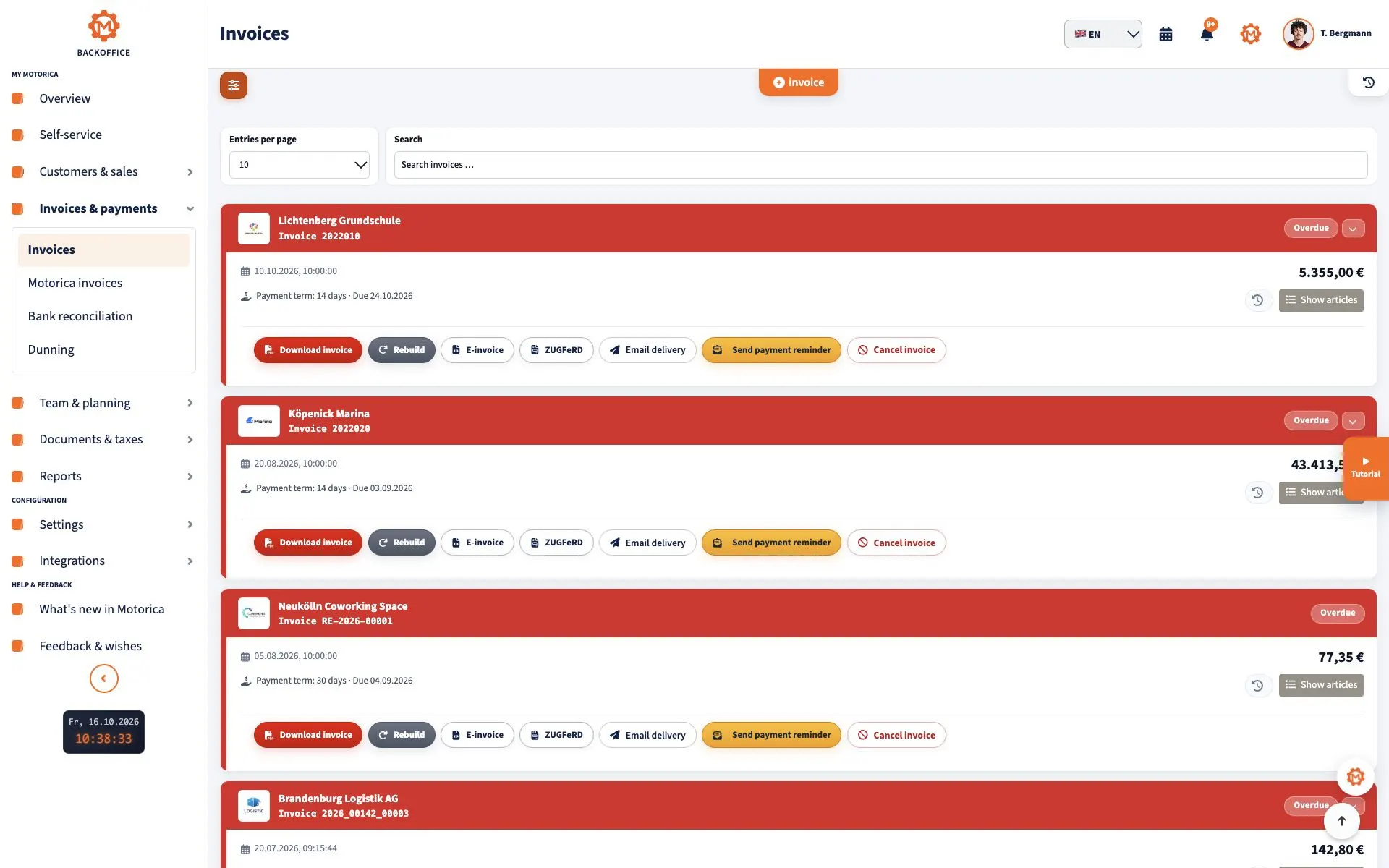
Since January 1, 2025, domestic businesses must generally be able to receive e-invoices; initially, an email inbox is sufficient. Businesses under the Kleinunternehmerregelung must also be able to receive them, but are exempt from the obligation to issue an e-invoice. For issuing invoices, transitional periods apply: until the end of 2026, all issuers may still use other invoice types under the legal conditions; if turnover in the preceding year does not exceed 800,000 €, the transitional period generally lasts until the end of 2027. From 2028, the obligation to issue e-invoices for domestic B2B transactions applies generally. Exceptions and special cases are explained in the BMF FAQ.
A simple PDF is not an e-invoice in the new sense. The format must contain structured data for electronic processing. Check if the software can read, display, create, and store XRechnung or ZUGFeRD profiles. For a hybrid ZUGFeRD invoice, the structured XML data are decisive if they differ from the visible PDF part. For invoices to public authorities, additional Leitweg-ID, portal, and specific requirements may be necessary.
Payment reconciliation and reminders
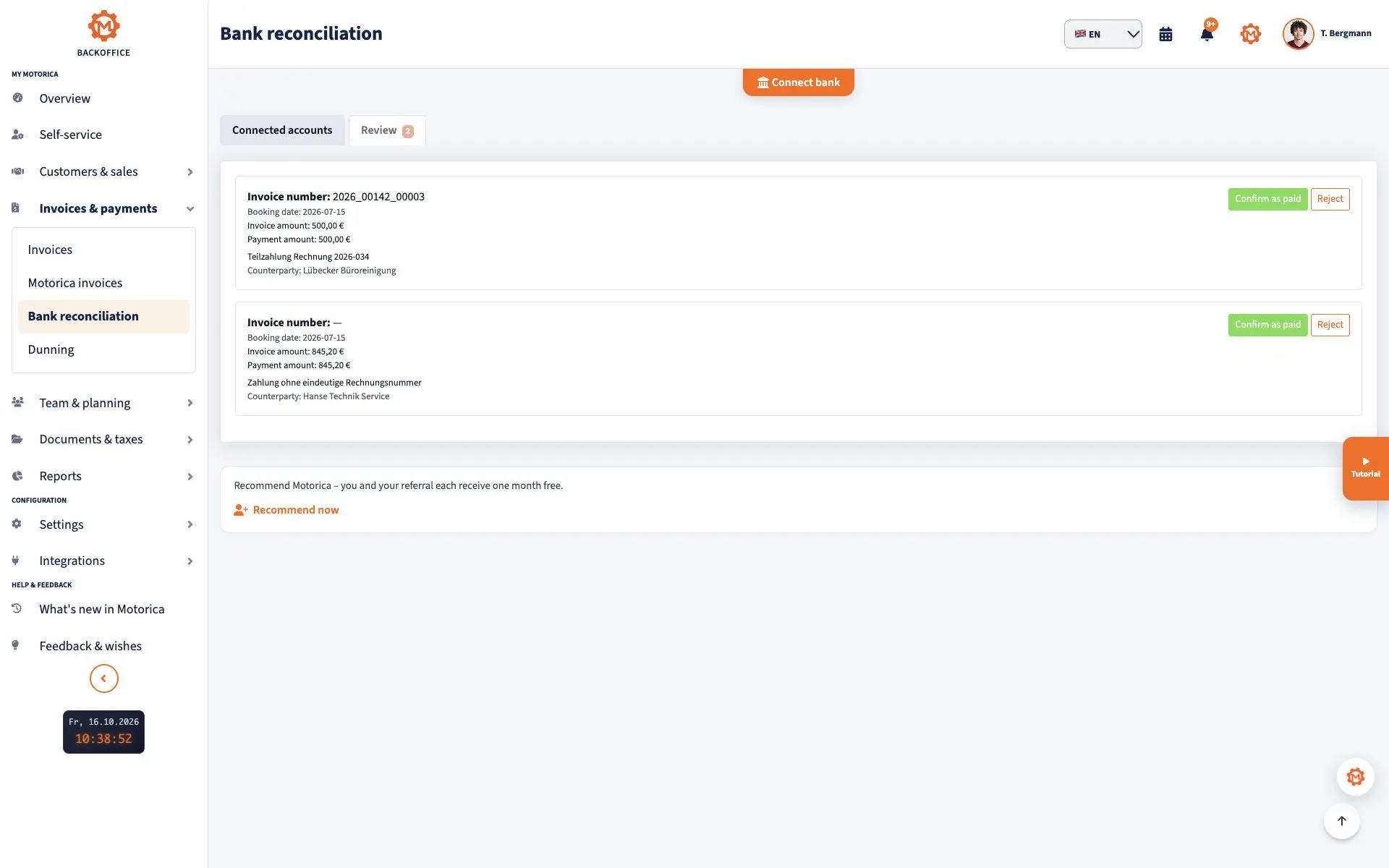
A payment reconciliation assigns a bank transaction to an open invoice. Good software shows the proposal with amount and purpose and allows checking discrepancies: partial payment, batch transfer, fee, wrong purpose, or double payment. Only a confirmed reconciliation should change the open item. Before a payment reminder or formal demand, check due date, payment receipt, and possible objections; an automatically generated reminder is not a legal review.
Documents, Records, and Storage
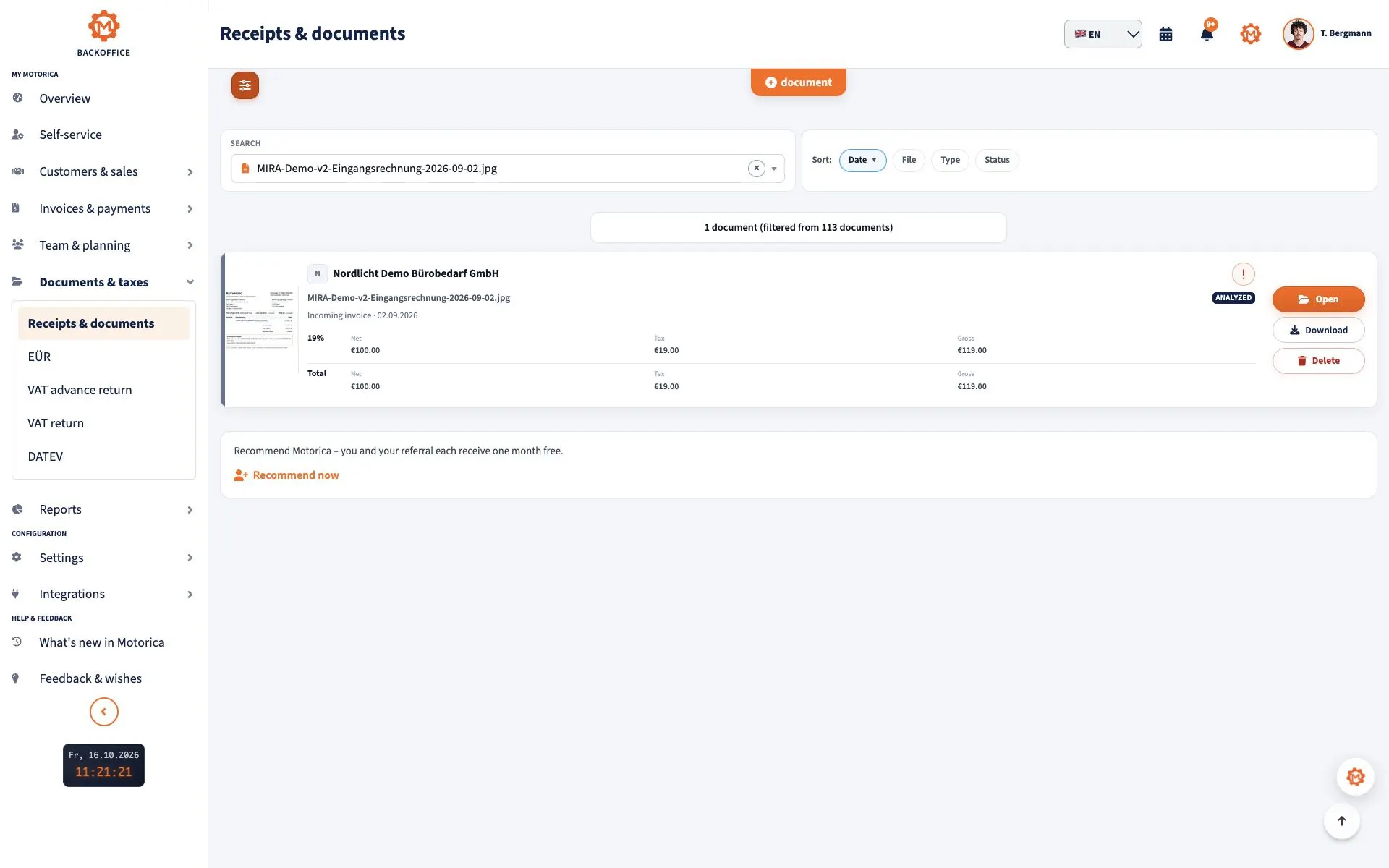
Invoices, contracts, receipts, and other documents should be assigned to a process and be findable. For invoices, storage of eight years is generally required according to § 14b UStG; other documents may be subject to other deadlines. For e-invoices, the structured original part must be stored. A mere PDF view or a screenshot does not suffice.
The GoBD also concerns traceability, changes, data access, and documented processes. Ask about change logs, exports, backups, and documentation procedures. No software label makes actual use automatically GoBD-compliant.
Customers, Appointments, and Team
Central master data avoids conflicting addresses and duplicate contacts. Check mandatory fields, duplicates, contacts, and the history of an order. Businesses with field service or recurring jobs benefit from calendars, tasks, and responsibilities. A team needs roles: not everyone should see bank details, personal information, or all sales. A calendar is only helpful when schedule changes and staff substitutions actually reach the people doing the work.
Analytics, Security, and Data Protection
At first, a few key figures often suffice: sent invoices, paid amounts, open items, due payments, and sales per period. Turnover is not profit; a dashboard does not replace accounting or tax returns. Compare key figures with the underlying documents and ask how cancellations and partial payments are handled.
Check multi-factor authentication, permissions, logs, encryption, backups, and tested recovery. For cloud services with personal data, a data processing agreement according to Art. 28 DSGVO is usually necessary. Clarify subcontractors, storage locations, deletion periods, and data access after contract end. The business remains responsible for lawful processing.
Export and Changeability
Before purchasing, ask the provider to show a full test export: customers, invoices including structured e-invoice files, documents, payments, and change information, if available. Clarify with your tax advisor which format you can actually process. CSV is useful for master data but does not automatically replace a suitable export of accounting entries. Check costs, deadlines, and readability after cancellation.
30-Minute Practical Test
- Create a demo customer with full address and generate a quote.
- Convert the quote into an invoice; check number, mandatory fields, and tax situation.
- Open an XRechnung or ZUGFeRD file and compare XML data with the display.
- Assign a partial payment and check the remaining open amount.
- Find the document again, test a restricted role, and export the data.
Use anonymized or authorized data in the test. Ask the provider for the specific path at each step instead of just a "yes" on a feature list.
Short Checklist and Frequently Asked Questions
- Does the solution cover your path from inquiry, quote, and confirmed order to invoice and payment?
- Are e-invoice receipt, display, issuance, and original file clear for your cases?
- Can partial payments and unclarified bank transactions be controlled?
- Are documents findable, changes traceable, and exports complete?
- Do roles, a data processing agreement, backups, and costs fit your business?
Is Excel enough? For simple lists, yes. Once multiple people are jointly processing invoices, open items, and documents, fixed workflows and a traceable archiving are usually more helpful.
Is every software GoBD-compliant? A product can provide suitable features. Whether the records are properly kept depends also on setup, use, and documented processes.
What should be introduced first? Start with master data, quote, invoice, and e-invoice receipt. Later, add payment reconciliation, documents, roles, and analytics based on real cases.
Sources
Reviewed technically on September 16, 2026: BMF: E-Invoice, § 14 UStG, § 14b UStG, BMF: GoBD-Change 2025 and Art. 28 DSGVO. This is a general overview for Germany, not individual tax or legal advice.