
Putting receipts, invoices, contracts and authority letters into one folder makes them digital, but it does not create a reliable filing system. Good digital organisation answers four questions for every document: What is it? Which transaction does it belong to? How long must it be retained? Who may access it?
This guide presents a practical system for self-employed people and small businesses in Germany. It separates everyday organisation from statutory retention duties and reflects the e-invoicing rules that have applied since 2025.
In brief
A dependable digital archive follows a small number of clear rules:
- Capture documents promptly and assign each one to a main category.
- Include the date, document type and business partner in the file name.
- Keep accounting documents and invoices complete, readable, retrievable and protected against unnoticed changes.
- Retain digitally received originals, particularly XML e-invoices, in their original format.
- Add the date received, deadline and responsible person to authority correspondence.
- Protect confidential records with access rights, backups and tested recovery.
A folder structure alone does not make a process GoBD-compliant. The complete, traceable process from receipt to deletion is what matters.
1. Separate four document types
An accounting document or receipt provides evidence of a business transaction, such as a till receipt, payment receipt, hospitality receipt or credit note. It is not automatically an invoice, and an invoice does not automatically prove payment.
An invoice records a billed supply or service. Keep incoming and outgoing invoices separate. Corrections, cancellations and attachments belong to the same transaction, but must not overwrite the original file.
A contract governs rights and obligations. Keep the signed agreement, schedules, amendments, notices and important correspondence. The currently valid version must be identifiable without losing earlier versions.
Authority correspondence includes assessments, hearings, enquiries and formal deadlines. Record the date of receipt or service, reference number, authority and response deadline as well as the document itself.
2. Build a structure that remains clear
For a small business, a shallow structure by year and type is usually enough:
2026/
  01_Incoming_invoices/
  02_Outgoing_invoices/
  03_Accounting_documents/
  04_Contracts/
  05_Authority_correspondence/
  06_Bank_and_tax/
Subdivide by month or business partner only when it helps. Avoid competing filing locations such as Downloads, Desktop, Email and Accounts. Define one authoritative archive. Other systems may link to it, but should not create uncontrolled copies.
3. Use consistent file names
A useful file name can be understood without opening the document:
YYYY-MM-DD_Document-type_Business-partner_Reference.extExamples include 2026-09-16-Incoming-invoice-Example-Supplies-INV-1048.pdf and 2026-09-15-Assessment-Tax-office-REF-12345.pdf. Use the document date and record the receipt date separately for authority letters. Avoid names such as Scan0007.pdf, inconsistent abbreviations and special characters. Use versions for contracts; store invoice corrections as separate linked documents.
4. Digitise paper correctly
Scan every relevant page, including backs, schedules, stamps, handwritten additions and envelopes containing proof of service. Immediately check completeness, order, legibility, faithful reproduction, correct allocation and whether later changes can be detected.
Section 147(2) AO permits many tax-relevant paper records to be retained as image reproductions if they match the original, remain available and can be made readable. The GoBD require a traceable process. Paper may generally be destroyed after proper image capture only where no other rule or evidential need requires the original.
Keep originals where formal requirements, notarisation, guarantees, customs records, document status or a possible dispute make them important. Obtain professional advice before destroying a doubtful original.
5. Keep electronic originals electronic
Retain digitally received material in the format received, not only as a printout or screenshot. For an e-invoice, the structured data are decisive. XRechnung commonly consists of XML; ZUGFeRD combines a PDF with embedded structured data. A human-readable view does not replace the original.
Retain the unchanged original file, relevant attachments, any email or portal confirmation needed as evidence, and a traceable link to review, approval and accounting records. A normal PDF invoice is not an e-invoice under the statutory definition; it is another type of invoice.
6. Understand the 2026 e-invoice position
Since 1 January 2025, domestic businesses must be able to receive e-invoices. An email inbox is legally sufficient in principle, but a viewer, validation and unchanged filing are needed in practice. Businesses using the German VAT exemption scheme for small businesses (Kleinunternehmerregelung) must also be able to receive e-invoices.
Transition periods apply to issuing. Until the end of 2026, all issuers may continue to use paper or, with the recipient’s consent, another electronic format such as PDF. Issuers with prior-year turnover of no more than €800,000 may continue this until the end of 2027. Kleinunternehmer are exempt from issuing e-invoices, but not from receiving them.
These rules concern domestic B2B transactions. Public-sector and cross-border invoices may follow additional rules.
7. Apply the correct retention period
The period depends on a document’s function:
| Document type | Usual German tax/commercial period | Note |
|---|---:|---|
| Books, records, inventories, annual accounts and organisational records | 10 years | Applies to the records listed in section 147(1) no. 1 AO and section 257 HGB. |
| Accounting documents and invoices | 8 years | Invoices are generally retained for eight years under section 14b UStG. |
| Received and sent business or commercial letters and other tax-relevant records | 6 years | Unless they are also accounting documents or a special rule requires longer. |
| Contracts | No universal period | Consider term, limitation, warranty, tax purpose and sector rules. |
| Authority correspondence | No universal period | Base the decision on the proceeding, deadlines and evidential need. |
The period normally starts at the end of the calendar year in which the record arose, the invoice was issued or the business letter was received or sent. It can continue where the record is still relevant to an open tax proceeding. Do not delete solely on file age; record the category, legal basis and earliest deletion date.
8. Manage contracts as complete cases
Keep the agreement, schedules, amendments, approvals, start date, term, renewal, notice period, contact details, relevant correspondence, termination and proof of receipt together. Link related invoices and services. Mark the current version without prematurely deleting previous versions. Put renewal and notice reminders in a calendar or task system, not only in a file name.
9. Turn authority letters into tasks immediately
For every authority letter:
- Record the date received or served.
- Capture the complete document, attachments and relevant envelope.
- Assign the authority, reference number and case.
- Verify the deadline from the actual notice, not automatically from the scan date.
- Assign a responsible person and next action.
- Record completion, dispatch and proof.
Appeal periods depend on the specific notice and the legal rules for service. Automatic deadline suggestions are only an aid; verify the binding deadline from the original and obtain qualified advice where necessary.
10. Keep emails with their business context
If an email is only the transport method for an invoice, the invoice is usually the main record. If the message contains an agreement, deadline, approval, amendment or other business-relevant statement, retain the email with the case. Do not save attachments without sender, receipt time and context where those details may matter. At the same time, avoid keeping every automated notification forever; define what is commercially or tax relevant.
11. Protect data, access and backups
Documents often contain names, addresses, bank details, tax data or sensitive information. Article 32 GDPR requires security appropriate to the risk. Small businesses should at least use individual accounts, two-factor authentication, role-based access, secure transmission, appropriate encryption, change logs, separate versioned backups, tested recovery and controlled deletion. A suitable cloud provider may also require a data-processing agreement.
Synchronisation is not a backup. Accidental deletion or ransomware can be synchronised too. Keep at least one separate, versioned copy and test sample recovery regularly.
12. Write a short procedure description
Document how tax-relevant records enter the business, who scans and checks them, how completeness and readability are verified, how corrections and versions work, where originals and backups are kept, who has access, how data can be found and exported, and when it is deleted.
Update the description after software changes or migrations. A new system must not make older records unreadable or impossible to evaluate.
13. Establish weekly and monthly routines
Weekly: clear the inbox, check scans, allocate invoices, record authority deadlines, flag contracts needing action and request missing documents.
Monthly: reconcile bank transactions with invoices and payments, remove duplicates carefully, review open cases, prepare the accounts or tax adviser export and inspect backup results.
Annually: review permissions, update the procedure description, assess deletion candidates by legal basis and test a restoration.
Short fixed routines are more reliable than a major clean-up before the tax return.
14. Avoid common mistakes
- Everything is in one folder. Responsibility, deadline and context are missing.
- Paper is destroyed immediately. Check completeness, legibility and the need for an original first.
- Only a PDF view of an e-invoice is stored. The structured original must be retained.
- Files are overwritten. Keep corrections and amendments as linked new versions.
- Authority deadlines are calculated from the scan date. The actual receipt or statutory service is decisive.
- Cloud sync is treated as backup. A separate, versioned recovery copy is missing.
- Every employee sees every document. Grant rights by task and sensitivity.
- Everything is automatically deleted after eight years. Other periods, open proceedings or evidential needs may prevent deletion.
Start-up checklist
- One authoritative archive selected
- Incoming and outgoing invoices separated
- File-naming rule documented
- Scan quality and paper-original policy defined
- XML and other electronic originals stored unchanged
- Authority letters record receipt, reference, deadline and owner
- Retention rules assigned by document type
- Access rights and two-factor authentication enabled
- Separate backup available and recovery tested
- Procedure description written
- Weekly and monthly routine scheduled
Frequently asked questions
Is a folder structure enough for GoBD-compliant filing?
No. Folders support retrieval, but completeness, accuracy, timely capture, order, protection against unnoticed alteration, availability and a traceable process are decisive. An appropriate procedure description is part of that process.
May I destroy paper receipts after scanning?
Often yes, if image capture is complete and proper and no law or evidential purpose requires the original. Keep originals for deeds, guarantees, customs material or disputed cases, or seek professional advice.
How long must invoices be retained?
Businesses generally retain issued and received invoices for eight years under section 14b UStG, starting at the end of the year of issue. Open tax proceedings or another rule can require longer retention.
Is a PDF an e-invoice?
No. An e-invoice contains structured, machine-readable data in a permitted format. A simple PDF is another type of invoice. The structured original of XRechnung or ZUGFeRD must remain available.
How should I handle contracts without one fixed period?
Keep them throughout the term and while claims, evidence, tax relevance or sector duties remain. Whether the contract also serves as a business letter or accounting document affects retention. A blanket deletion rule is unsuitable.
What matters most for authority correspondence?
Record receipt or service, reference number, complete attachments, the actual deadline, ownership and proof of completion. Do not rely only on automatic deadline calculations.
Conclusion
Digital order comes from a dependable process, not a large folder tree. Separate document types, keep electronic originals, capture deadlines and protect the archive with clear rights and backups. Records then remain easy to find while meeting the main German requirements for retention and traceability.
Next step
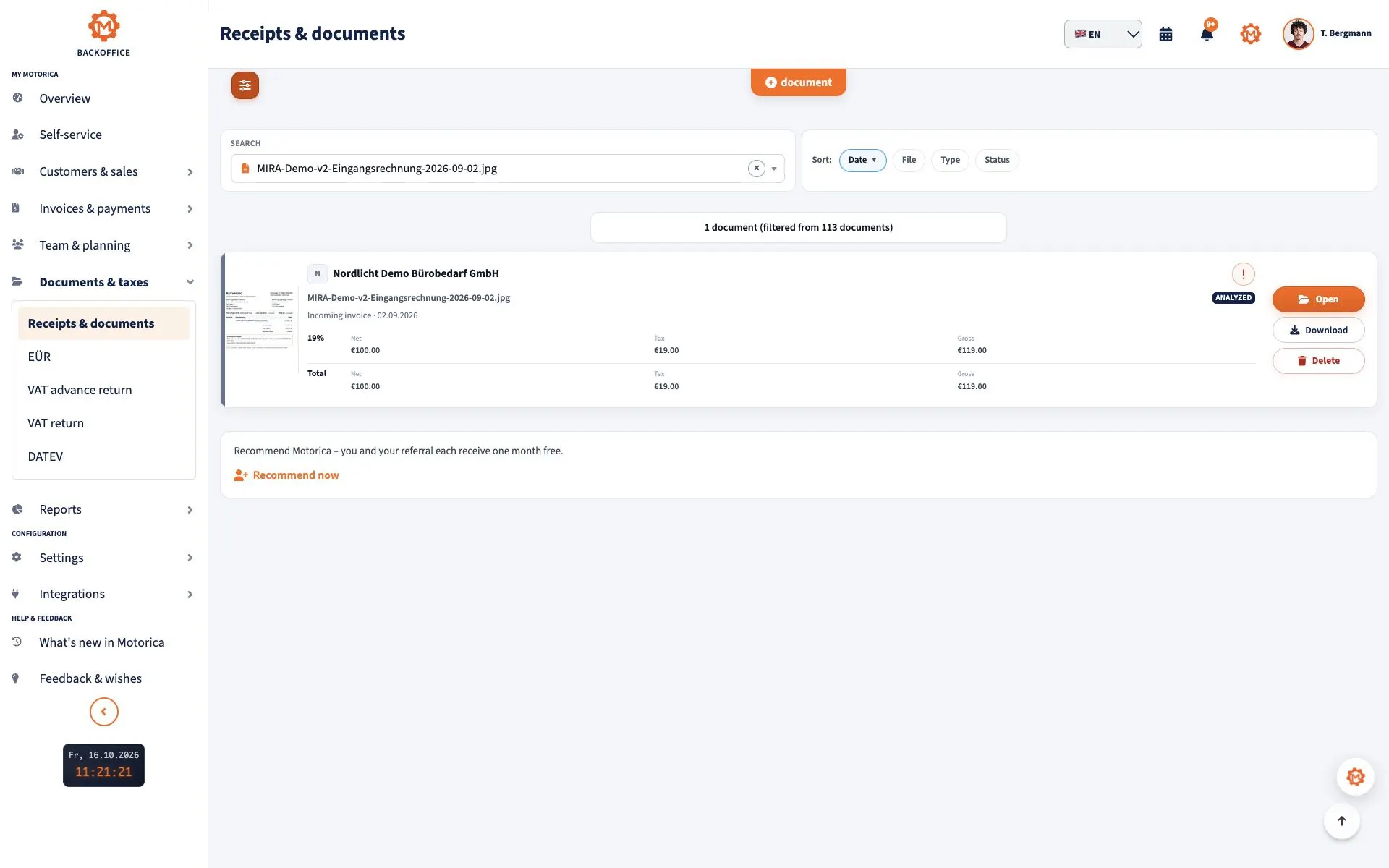
Motorica helps you capture accounting documents and receipts centrally, allocate invoices and find important information more quickly. Also verify which retention and sector rules apply to your business.
Sources and professional notice
The principal sources are section 146 AO, section 147 AO, section 257 HGB, section 14b UStG, the Federal Ministry of Finance GoBD publication, the Ministry’s e-invoice FAQ and Article 32 GDPR.
Current as of 16 September 2026. This article gives general information about German law and is not tax, legal or data-protection advice. Check your specific case and later changes with a qualified adviser or the competent authority.